
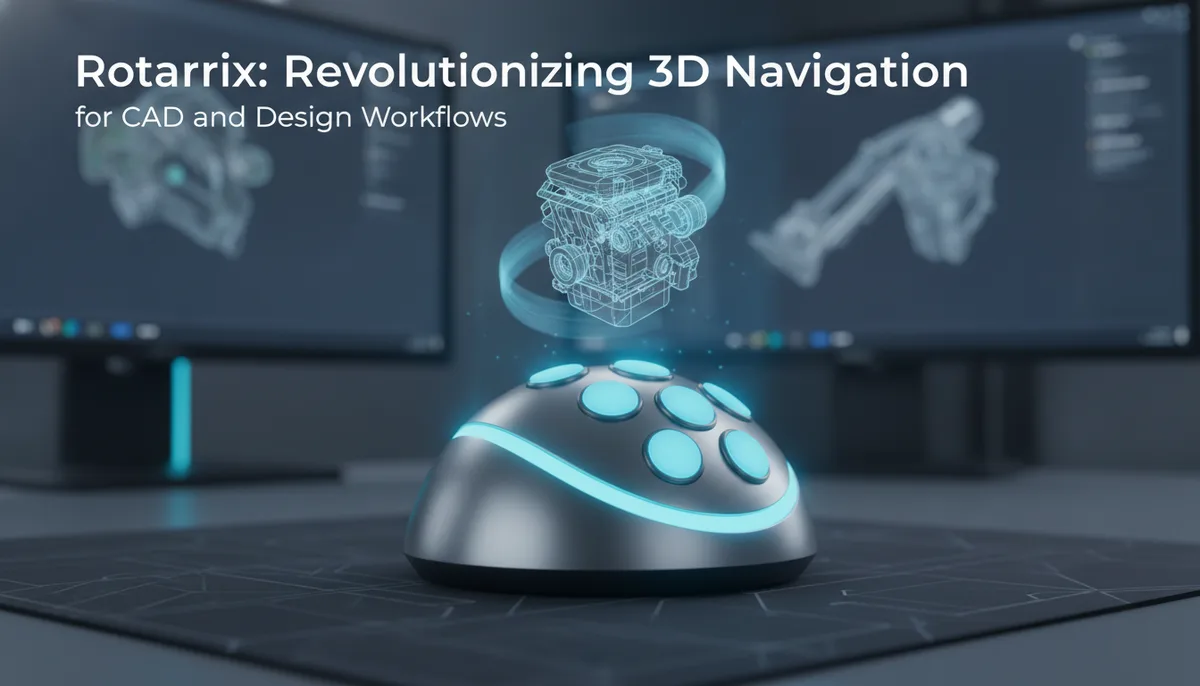
Rotatrix: Revolutionizing 3D Navigation for CAD and Design Workflows
The Intuition Gap in 3D Design
For decades, the primary interface between a designer and their 3D workspace has been the 2D mouse. While the industry has developed incredibly sophisticated software to bridge this gap, the fundamental hardware remains a limitation. When you work in programs like Blender, Fusion 360, or SolidWorks, your interaction with the third dimension is almost always mediated through a series of "hacks."
You click a gizmo on the screen. You grab the edge of a viewport. You hold a modifier key and wiggle the mouse back and forth to simulate depth or rotation. This is what we call indirect navigation. There is a mental lag—a micro-second of cognitive load—where your brain must translate a 2D horizontal movement into a 3D orbital rotation.
David Liu’s Rotatrix project aims to eliminate this friction. By fundamentally changing how a trackball communicates with a computer, Rotatrix allows for direct, 1:1 physical-to-digital rotation. If you want the model to flip, you flip the ball. If you want it to spin on its Z-axis, you spin the ball. This is the "grab and turn" philosophy that has been missing from standard peripherals.
What is Rotatrix? Direct 3D Manipulation Explained
Rotatrix is not just another trackball; it is currently the only trackball capable of tracking full 3D rotation. Most high-end trackballs, even those beloved by professionals, are still 2D input devices. They track the X and Y movement of the ball’s surface to move a cursor. Some have a "twist" function for scrolling, but they cannot interpret the ball's movement as a three-dimensional vector.
The Rotatrix changes the paradigm. Built on the foundation of the Kensington SlimBlade Pro, it utilizes custom hardware added by David Liu to capture the complex rotation of the sphere.
The "Grab and Turn" Workflow
In traditional CAD workflows, rotating a part often requires a "clutching" motion:
- Move cursor to the rotation tool.
- Click and hold.
- Move mouse to rotate.
- Release and repeat if the rotation wasn't sufficient.
With Rotatrix, the model follows the ball. This allows for a level of gestural fluidness that mimics holding a physical object in your hand. For organic modeling or complex assembly viewing, this reduces the mechanical overhead of the design process, allowing the creator to stay in a "flow state" longer.
The Hardware Foundation: Why the SlimBlade Pro?
Choosing the right base for a project like this is critical. The was selected as the donor chassis for several structural reasons. It features a large, heavy ball that provides the necessary inertia for smooth 3D movements. Unlike smaller trackballs, the SlimBlade’s design allows for multi-finger manipulation, which is essential when you are trying to rotate a sphere across multiple axes simultaneously.
However, the stock SlimBlade Pro is a 2D device. It uses dual optical sensors to track the surface of the ball. To transform this into the Rotatrix, David Liu had to integrate custom hardware capable of calculating 3D orientation. This involves more than just adding sensors; it requires a sophisticated understanding of how to map the surface movement of a sphere to a 3D coordinate system in real-time.
For makers looking to explore similar hardware modifications, having a reliable set of tools is paramount. If you are diving into custom PCB integration or sensor mounting, you might find our The Soldered Anywhere Master Buying Guide useful for selecting the right components for your workbench.
The Engineering Challenge of 3D Tracking
Tracking a sphere in 3D space is significantly more complex than tracking it in 2D. In a standard trackball, the sensors look for changes in the texture of the ball to determine distance traveled on two axes. To achieve 3D tracking, the system must be able to identify the "spin" or "yaw" of the ball, which standard dual-sensor setups are not designed to calculate.
David Liu’s approach involves custom hardware that likely utilizes additional sensing points or specialized algorithms to interpret the ball's rotation. This level of hardware hacking is what separates a standard desktop peripheral from a specialized professional tool.
If you're interested in the technical side of hacking existing hardware to extract more data than the manufacturer intended, you should check out our deep dive on Wireless LCD Streaming for the ANENG AN870, which covers similar principles of hardware interrogation and data streaming.
Ergonomics: Why Designers are Switching to Trackballs
The shift toward trackballs in the design community isn't just about the Rotatrix’s unique 3D capabilities; it’s about long-term health. Carpal Tunnel Syndrome and Repetitive Strain Injury (RSI) are occupational hazards for CAD professionals.
Reduced Wrist Strain
A traditional mouse requires you to move your entire forearm and pivot your wrist hundreds of times an hour. A trackball stays stationary. Your wrist remains in a neutral position while your fingers do the work. The base is particularly noted for its low-profile design, which prevents the wrist from being cocked at an upward angle.
Precision and Speed
In 3D design, precision is everything. Moving a mouse across a dusty pad can result in "jitter." A high-quality trackball like the one used in the Rotatrix project provides a consistent, smooth surface. When combined with 3D tracking, this precision allows for minute adjustments to a model's orientation that would be difficult to achieve with a standard mouse-and-keyboard shortcut combo.
DIY vs. Commercial 3D Controllers
The Rotatrix exists in a space currently occupied by devices like the 3Dconnexion SpaceMouse. However, there is a fundamental difference in the user experience.
- SpaceMouse: Uses a "cap" that you push, pull, and twist. It is a pressure-based system. You aren't "turning" the model so much as you are "navigating" through the 3D space.
- Rotatrix: Uses a physical sphere. It is a displacement-based system. You are directly manipulating the object's orientation.
For many designers, the tactile feedback of a rolling ball is more intuitive than the spring-loaded resistance of a navigation cap. The Rotatrix offers a more "analog" feel in a digital world.
Building or modifying your own peripherals requires precision soldering, especially when dealing with the tight tolerances of a trackball housing. For those attempting their own hardware mods, we recommend a high-performance, portable iron like the one discussed in our Pinecil V2 Review.
Implementing Rotatrix in Your Design Environment
While the hardware is the star of the show, the software integration is what makes a tool like Rotatrix functional. For a 3D controller to be useful, it must interface with the HID (Human Interface Device) drivers of the operating system and the specific APIs of design software.
Most 3D applications expect a specific type of input for rotation. The Rotatrix must translate its 3D ball movements into commands the software understands—often mimicking a "virtual trackball" or a 3D mouse protocol. This allows it to work seamlessly in environments like:
- Digital Sculpting: Rotating a "clay" model in ZBrush or Blender.
- Mechanical Assembly: Inspecting the fitment of parts from every angle.
- Architectural Walkthroughs: Fluidly looking around a 3D environment.
3Dconnexion SpaceMouse Compact
The Future of Tactile 3D Input
The Rotatrix project by David Liu is a glimpse into a future where our hardware is as multi-dimensional as our software. As 3D printing and VR/AR design become more mainstream, the demand for peripherals that move beyond the 2D plane will only grow.
For the hobbyist and the professional alike, the Rotatrix serves as an inspiration. It shows that even the most established hardware—like the Kensington SlimBlade—can be reimagined and rebuilt to solve modern problems. Whether you are a CAD engineer looking for the ultimate navigation tool or a maker looking for your next big hardware project, the Rotatrix represents the cutting edge of custom peripheral design.
If you are looking to start your own journey into hardware modification, ensure you have the right gear by checking out our guide on the Best Portable Soldering Irons of 2024. Having the right tools is the first step toward turning a standard trackball into something revolutionary.