
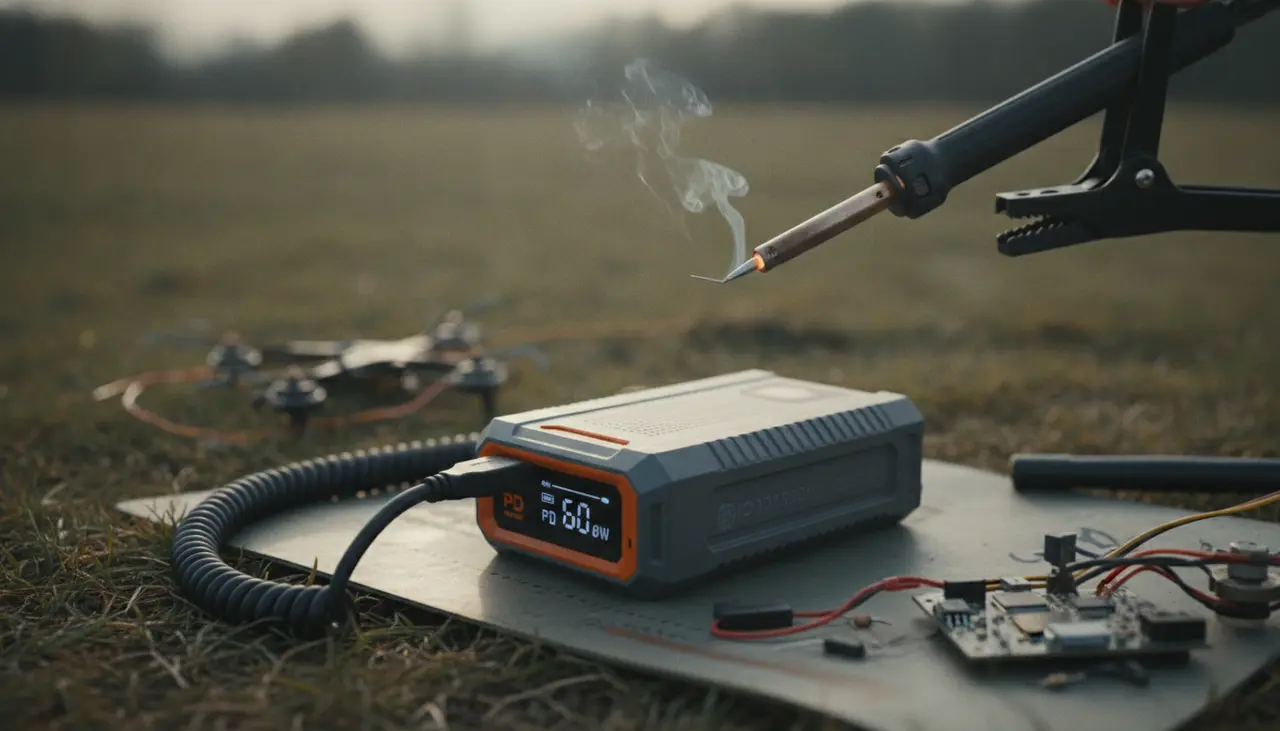
How to Power Your Iron: Choosing the Best PD Power Bank for Field Soldering
There is a specific kind of frustration that only a field tech or a hobbyist knows: you’re miles away from your workbench, you’ve finally spotted the broken wire on your drone or RC car, and your portable iron just won’t heat up. You see that dreaded "Low Voltage" or "DC IN Low" warning on the tiny OLED screen, and suddenly, your quick fix becomes a long walk back to the car.
Choosing the right power bank for a soldering iron isn't just about finding the biggest battery; it’s about finding the right "language" between your battery and your iron. This guide will help you understand Power Delivery (PD) so you can get a reliable win on your next outdoor project.
The Short Answer: What Power Bank Do You Need?
To run modern portable irons like the Pinecil V2 or the Miniware TS101 at their full potential, you need a power bank that supports USB-C Power Delivery (PD) with at least 65W output.
While a 45W power bank will technically work, it will take longer to reach your target temperature and may struggle to maintain heat when soldering onto larger ground planes. A 65W (or higher) power bank allows the iron to pull the full 20V it craves, providing a heat-up time of roughly 6 to 10 seconds.
Who Is This Guide For?
This guide is for the makers who don't let a "location" stop them. Whether you are:
- An RC enthusiast needing to swap a motor at the track.
- A drone pilot fixing a loose signal wire in the woods.
- A field technician performing precision repairs on-site.
- A hobbyist who simply enjoys the freedom of soldering on the porch without an extension cord.
Understanding the "PD" in Power Delivery
The secret sauce to modern portable soldering is USB-C Power Delivery. In the old days, we had to lug around heavy LiPo battery packs and XT60 adapters. Today, we use the same power banks that charge laptops.
When you plug your iron into a PD-capable power bank, the two devices "talk" to each other. The iron asks, "Can you give me 20 Volts?" and the power bank checks its specs. If the power bank is only designed for phones (usually 5V or 9V), the iron will either fail to heat or operate at a very low, frustrating wattage.
Comparison: Power Bank Specs for Soldering
| Max Output (Watts) | Voltage Support | Performance Level | Best For |
|---|---|---|---|
| 18W - 30W | 9V / 12V | Poor: Slow heat-up, struggles with thick wire. | Emergency small-gauge wire only. |
| 45W | 15V / 20V | Good: Reliable for most hobbyist tasks. | General PCB work and light repairs. |
| 65W | 20V | Excellent: The "Sweet Spot" for speed and power. | Heavy-duty field repairs and thick connectors. |
| 100W+ | 20V / 28V | Overkill/Future-proof: Most irons cap at 65W-88W. | Powering your iron + charging your laptop. |
Use-Case Breakdown: Which One Should You Carry?
The "Light & Fast" Setup
If you are hiking to a remote spot or want something that fits in a pocket, look for a 20,000mAh 65W PD Power Bank. This capacity is the legal limit for most airlines, making it great for travel. It provides enough "oomph" to run a Pinecil V2 Review: Is the Hype Actually Real? for hours of intermittent soldering.
The "Field Station" Setup
For long days at the RC track or a full day of field service, a 30,000mAh or 40,000mAh 100W Power Bank is a better friend. While heavier, these units often have multiple ports, allowing you to keep your iron hot while also topping off your smartphone or tablet.
Practical Tradeoffs: What to Watch For
While a high-wattage power bank is a game-changer, there are a few "real-world" things to keep in mind:
- Cable Quality: You can have a 100W power bank, but if you use a cheap "charging cable" from a gas station, it won't work. You must use a USB-C to USB-C cable rated for 65W/100W (E-Marker cables).
- Capacity vs. Weight: A 40,000mAh battery is heavy. If you’re soldering a quick connection on a drone, a smaller 10,000mAh 45W bank might be more comfortable to keep in your kit.
- The "Sleep" Issue: Some smart power banks turn off if the iron isn't drawing power. Most modern irons have a "keep awake" pulse feature in their firmware (like IronOS) to prevent this.
Common Beginner Mistakes to Avoid
- Buying by "mAh" only: Many people buy a "30,000mAh" battery thinking it's powerful. If it doesn't say PD 3.0 or 65W, it won't heat your iron effectively.
- Using USB-A to USB-C: A standard rectangular USB-A port almost never provides enough voltage for a soldering iron. Always use the USB-C to USB-C port.
- Forgetting the "C" to DC choice: If you have an older iron like the original TS100, you might need a "PD Trigger Cable" to convert the USB-C power to a DC barrel jack. For newer irons, a straight USB-C cable is best.
Frequently Asked Questions
Can I use my laptop charger instead of a power bank? Yes! Most 65W+ USB-C laptop chargers (like those for MacBooks or Dell XPS) work beautifully with PD-compatible irons. It’s a great way to simplify your travel kit.
How long will a 20,000mAh power bank last? Soldering irons don't pull full power constantly; they pulse once they reach temperature. You can usually get 4–6 hours of active project time out of a 20,000mAh bank.
Why does my iron restart when I start heating? This usually means your power bank is "sagging." It tries to provide the power, fails, and the voltage drops so low the iron reboots. This is a sign you need a higher-wattage PD source.
For a deeper look at the tools that pair best with these power sources, check out The Soldered Anywhere Master Buying Guide to see how to build your ultimate mobile kit.
Affiliate Disclosure: This post contains affiliate links for USB-C PD power banks. If you click through and make a purchase, we may earn a small commission at no extra cost to you, which helps us keep the lights on at Soldered Anywhere.